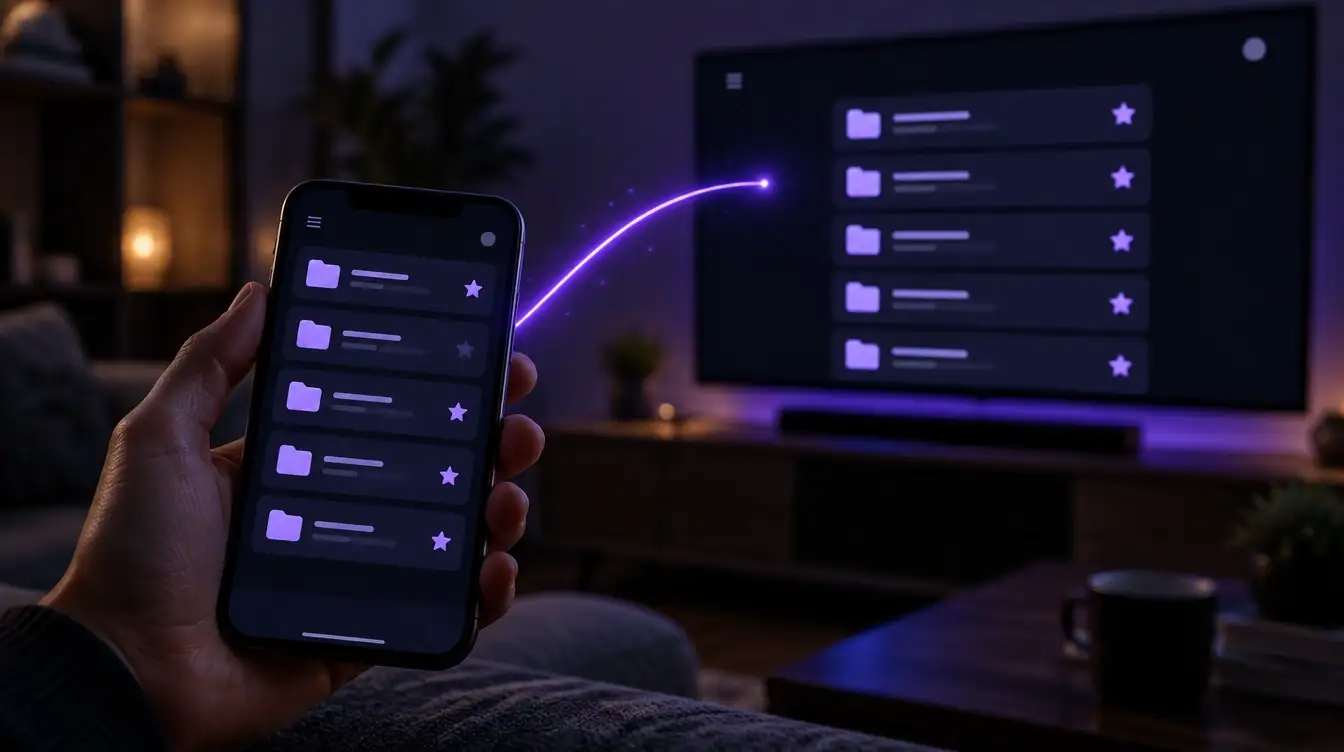
Unlock
Bought once. Favorites and folders live on the device you set them up on, so you set up each device yourself.
Vexla is a player for the M3U and Xtream sources you're authorized to use. Organize your channels and watch on your phone, tablet and TV. Pro keeps every device in sync.
Apps for phones, tablets and TVs are coming soon. Accounts open at launch.
Vexla is a media player. It does not provide channels or content.
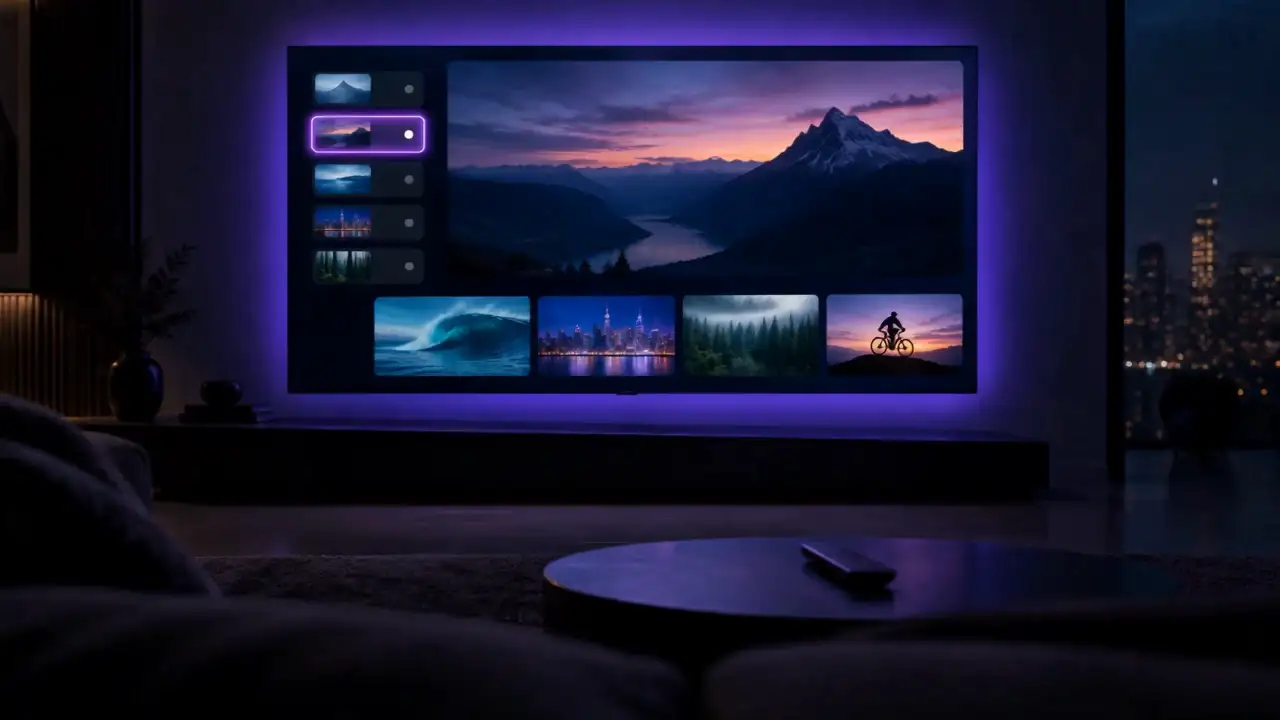
Simple by design
Three steps from your own source to every screen you own.
Use the M3U link or Xtream Codes details from the TV service you already subscribe to.
On your TV, scan a QR code and finish on your phone. No typing long links with a remote.
Open Vexla on your phone, tablet and TV. With Pro, your playlists, favorites and folders follow you. With Unlock, you set up each device yourself.
Platforms
Apps for phones, tablets and TVs are on the way.
Manage your account and setup at vexla.tv.
Features
Fast, tidy and made for the remote.
Move between channels without waiting. Speed is the first thing we tune on every device.
Built for the couch. Every screen works with a remote, with clear focus and a back button that does what you expect.
Turn a chaotic playlist into something you can actually use. Group what you watch into your own folders.
See what is on now and next, with matching you can correct when a guide does not line up.
One search across all of your playlists, instantly.
Tidy your list by hiding what you never watch and renaming what is badly named.
Keep selected categories behind a PIN.
Unlock and Pro
Buy the player once and set up each device yourself, or subscribe to Pro and set up once for every device.
FAQ
No. Vexla is a media player and playlist manager. You bring your own source.
Vexla does not provide television channels, streaming subscriptions or copyrighted content. Users must provide their own legally authorized content sources.
M3U and Xtream Codes sources that you are legally entitled to use.
From a TV service you are authorized to use. We don't sell or recommend providers.
No. It streams directly from your provider to your device.
Not at launch. vexla.tv is for your account and setup.
Unlock is a one-time purchase. Favorites and folders live on the device you set them up on, so you set up each device yourself. A fair device limit applies; you'll see it before you buy.
Pro is a monthly or yearly subscription. It includes everything in Unlock plus sync: set it up once and your playlists, favorites and folders appear on every device. It also adds backup and restore and advanced diagnostics. A fair device limit applies; you'll see it before you subscribe.
Vexla is designed so that your playlist link and login details are treated as secrets. They will be stored encrypted and kept out of logs and analytics.
Your setup is kept after the 7-day trial ends. Buy Unlock or subscribe to Pro later and it all comes back. We'll state how long we keep it before accounts open.
Yes, any time. You keep Pro until the end of the period you already paid for. You cancel in the store or account where you subscribed.